Process 100+ video files
without writing a script
Everything you used to do with ffmpeg or Python — drag, configure, run. All on your Mac, no uploads.
Mac app · Local processing · No subscription
Built for security and control
No central server. No cloud uploads. Everything runs where you choose.
No cloud upload queue
Huge video and project files can take hours to push to the cloud—and stall your day. Work from disk and skip upload time entirely.
Security-first
No central server. All data lives in a folder you choose. Credentials, codes, and outputs stay on your machine.
File-based storage
Everything is stored as files in a designated folder. Easy to backup, version, and migrate.
Run models locally
Download and run AI models on your machine. The app and fully local workflows are free; connecting remote AI APIs uses your keys and is billed by those providers.
Agents & tools
Combine tools from the in-app catalog to build agents and file-driven workflows. No third-party plug-in stores or external tool marketplaces.
Large files, no upload
Process big video, audio, and document files without uploading to SaaS. Your content never leaves your disk.
Video and audio open-source models, all in one place
Reelbook supports video, audio, and speech open-source models. Browse the built-in catalog, install with one click, and run everything locally—no uploads, no API keys required.
Stop uploading. Start processing locally.
Video creators, podcasters, and instructors handle sensitive files. Reelbook keeps them on your machine.
Local-first by design
Sensitive footage, unreleased podcasts, proprietary course material—keep it all on your machine.
Process locally
No more waiting for uploads or hitting file size limits. Work with terabytes without leaving your desk.
Unified file workflow
Start from a file, chat about what to do, and let agents orchestrate tools or create new ones.
From file to workflow in minutes
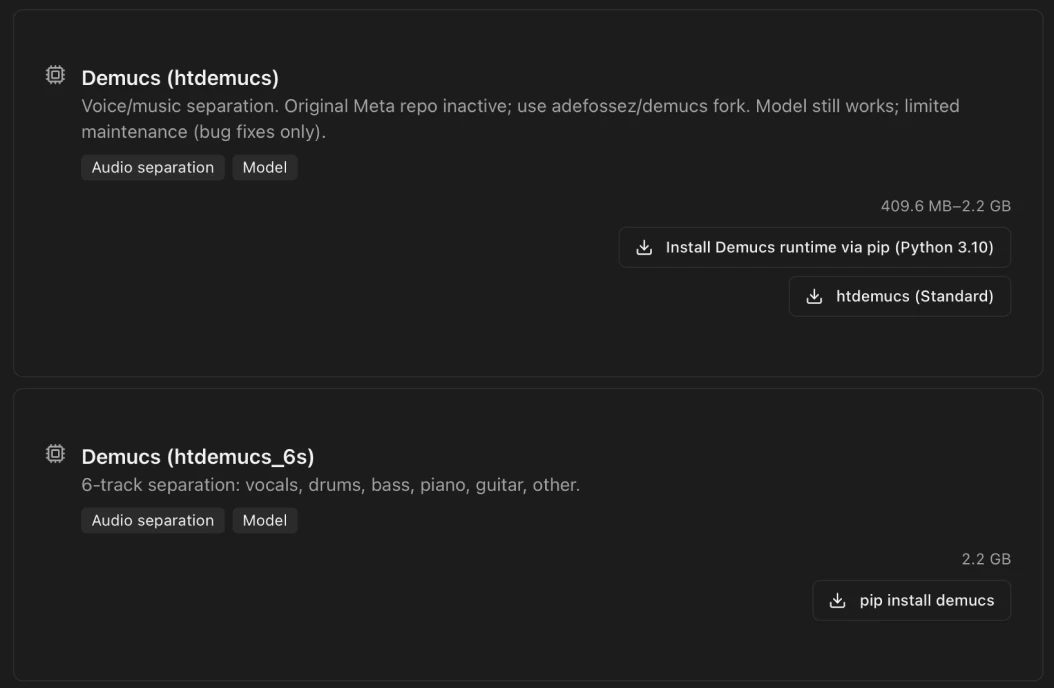
Install open models
Browse the Models tab to discover a diverse catalog of open models—speech, vision, image generation, and more. Install with one click, right on your Mac.
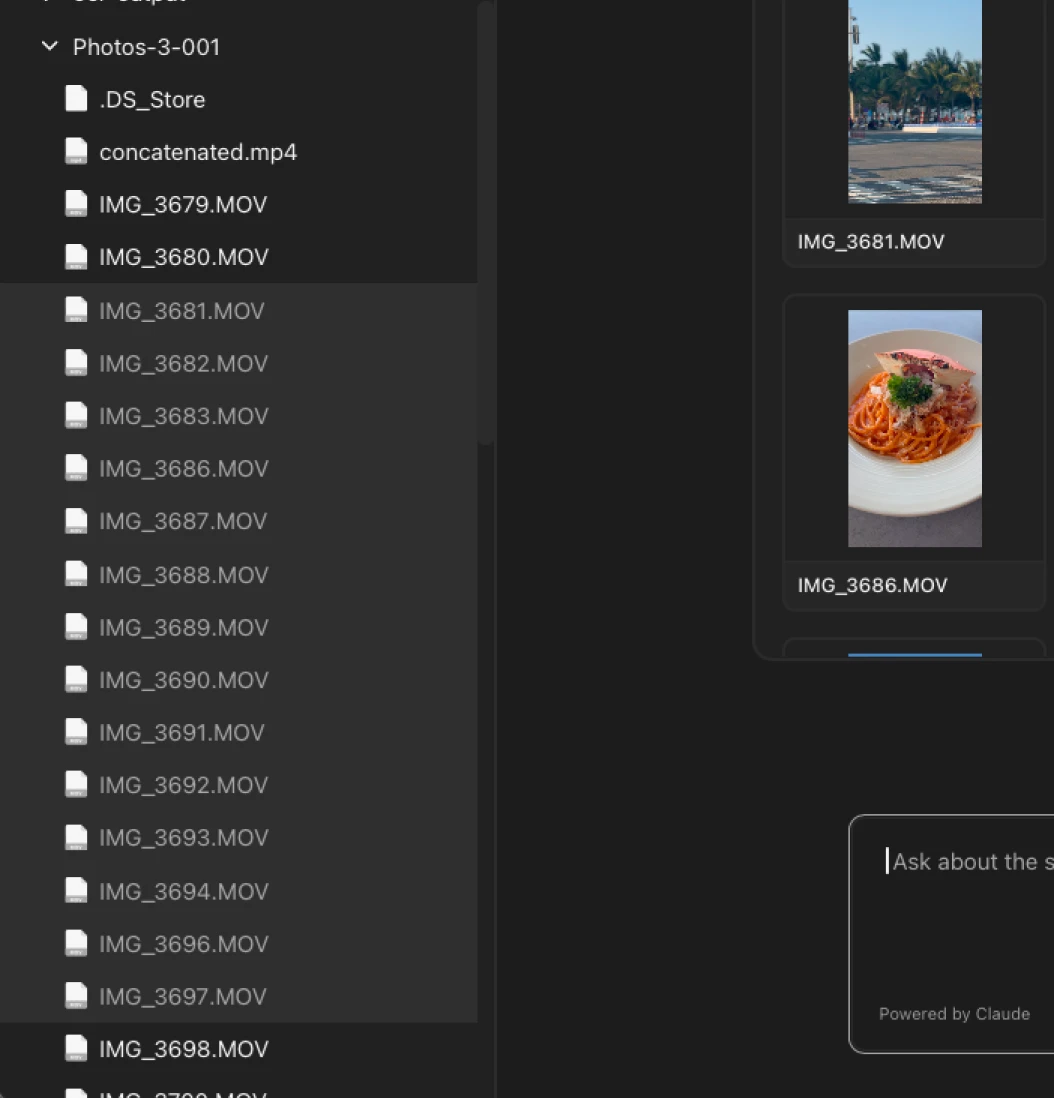
Select files or folder
Choose individual files or an entire folder as the input for your process. Reelbook reads your selection and prepares it for the workflow.
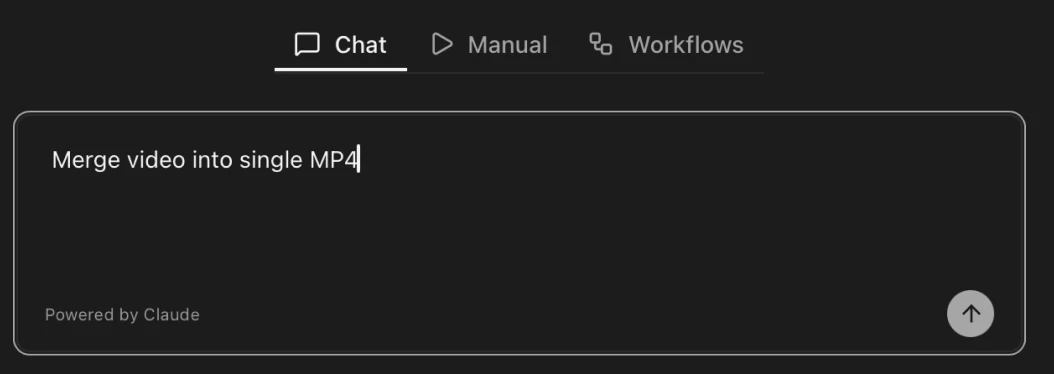
Input a prompt
Describe what you want in plain language. The AI—backed by Claude—turns your prompt into a workflow and runs it automatically.
Chat with AI and complete workflows
Refine the pipeline through conversation. The AI explains each step, answers questions, and adjusts the workflow until it does exactly what you need.
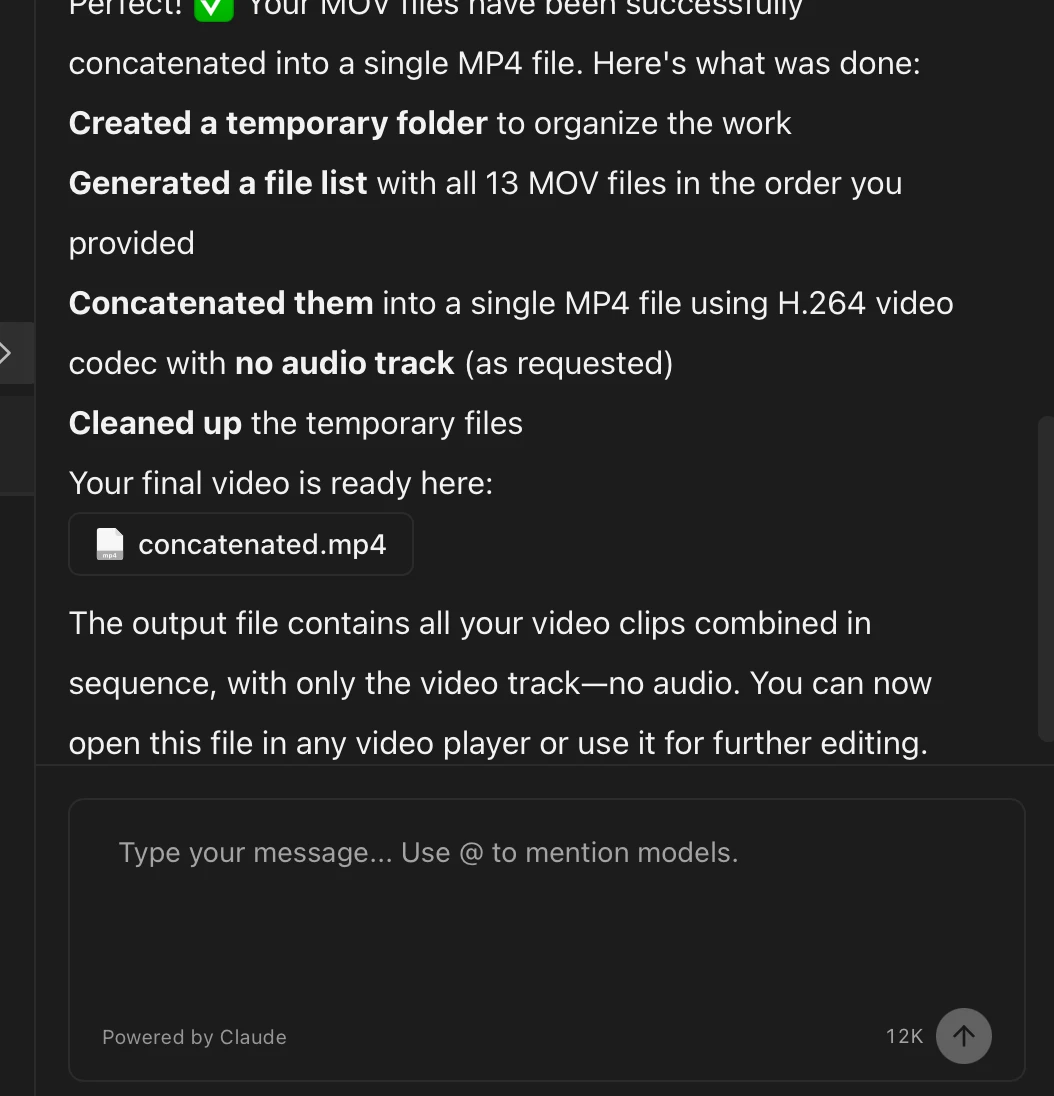
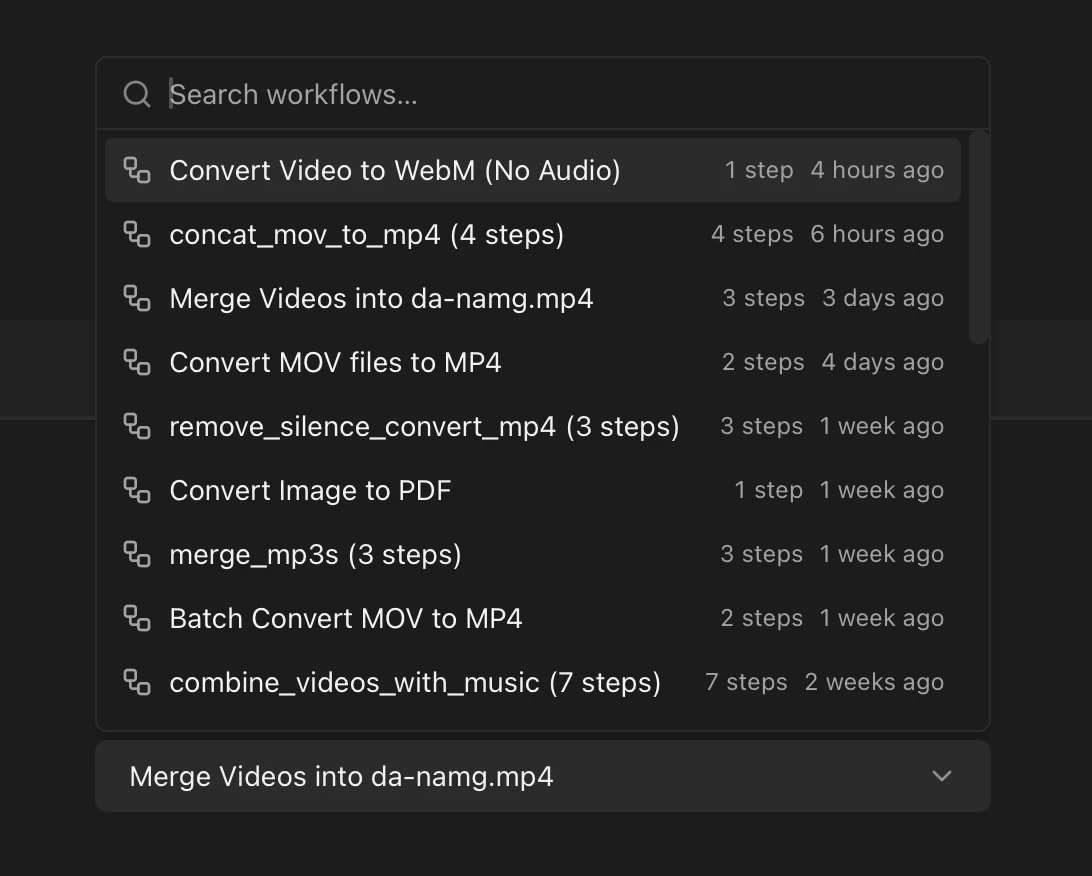
Scale it
Save the finished workflow and reuse it for similar jobs. Run it on one file or an entire batch—same workflow, any scale.
Built for creators who handle sensitive files
Video creators
Convert, transcribe, and process footage without uploading. Keep unreleased content on your machine.
Podcasters
Transcribe, edit, and publish workflows. Large audio files stay local. No cloud storage limits.
Course instructors
Process lecture videos, generate scripts, and organize materials. Proprietary content never leaves your disk.
Use Cases — Real Workflows, No Cloud Required
Local tools. No cloud. Real workflows.
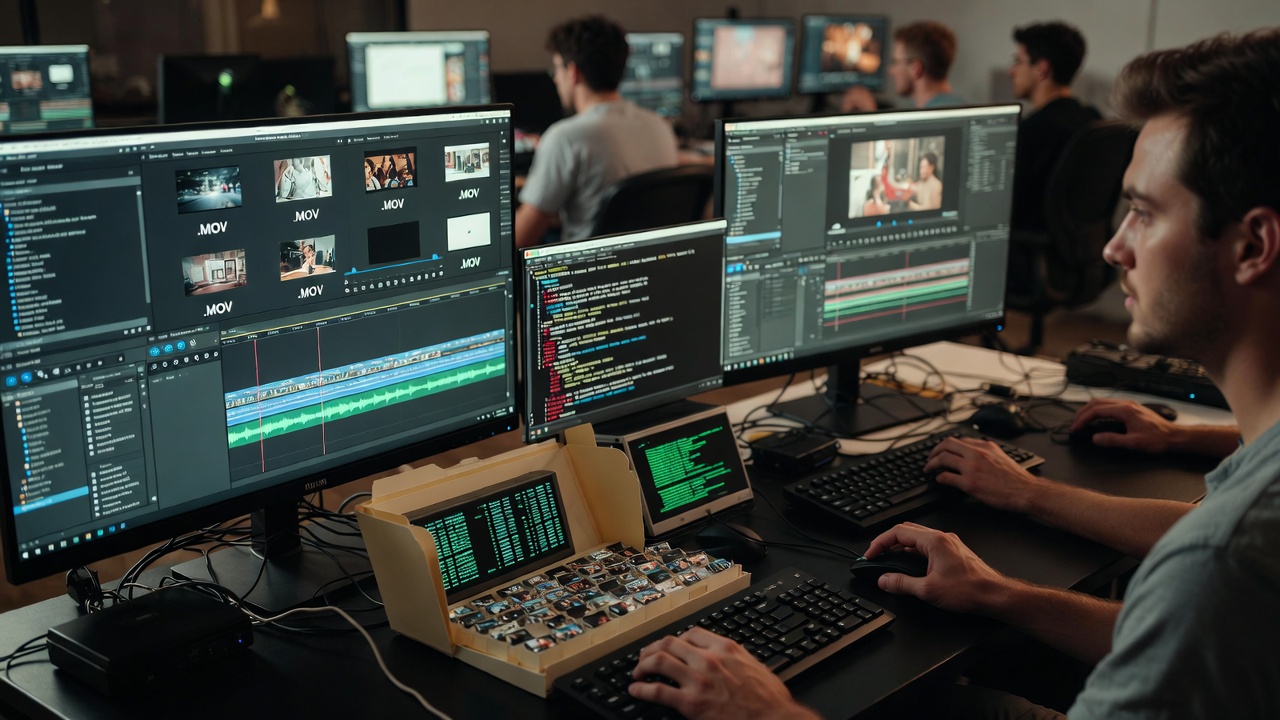
Video Editors & YouTubers
Batch Video Conversion
Hundreds of .MOV files need converting before editing. Just pick a folder, describe what you need, and Reelbook sets up the workflow—no terminal, no upload.
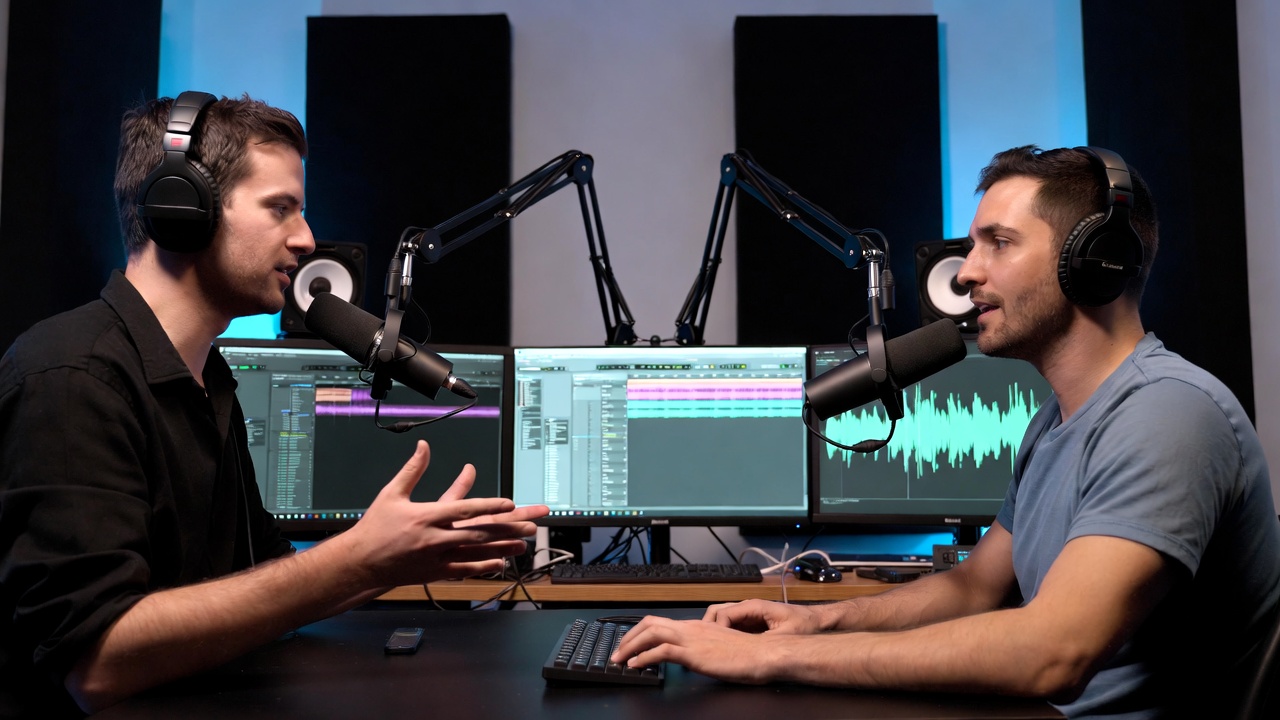
Podcasters
Local Transcription, No API Key
Cloud transcription caps and per-episode fees don't scale. Reelbook helps you set up local transcription with one click—no API key, no upload.
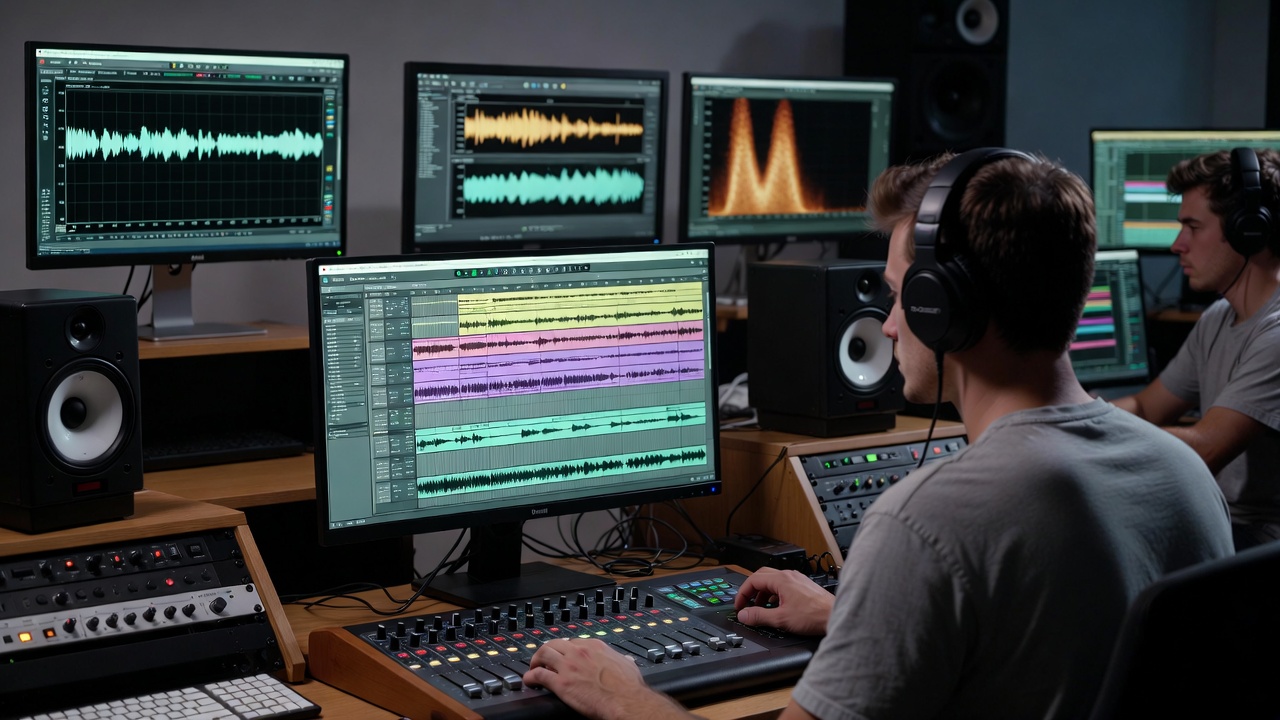
Music Producers & Cover Artists
Stem Separation, No Per-Track Fees
Online tools charge per track and cap stems. Reelbook makes it easy to run local stem separation—batches, no per-track fees, no file size limits.
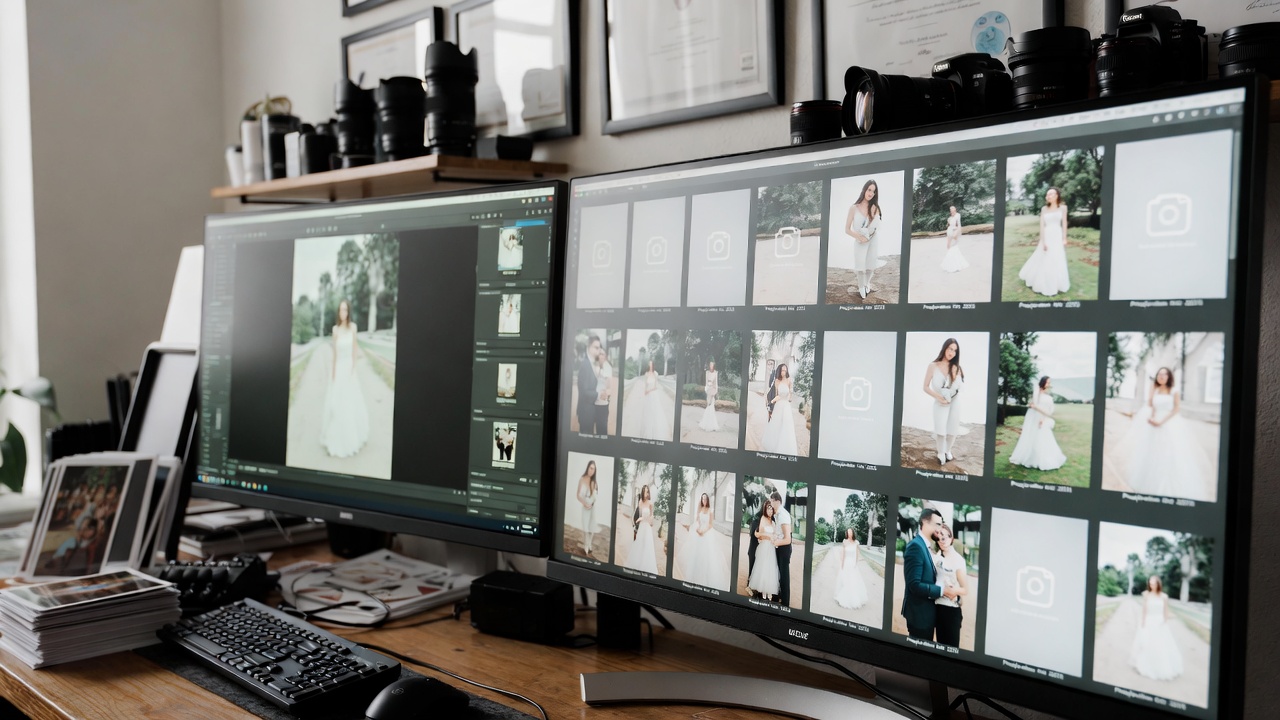
Photographers & E-Commerce
Batch Watermarking, 7,000+ Images
7,000+ images need watermarked versions. Reelbook sets up the workflow across folders—define it once, run it every time. No terminal needed.

Content Archivists & Channel Owners
Full Channel Backup
Platforms delete channels. Reelbook helps you wire backup tools into scheduled agents—weekly backups, local archive, your content on your machine.
No central server. No cloud uploads.
All data lives in a folder you choose. Credentials and outputs stay on your machine. Process large files without sending them anywhere.
Frequently asked questions
Join early adopters
Be among the first to shape Reelbook. Local AI agents for creators who care about privacy.
In development · Local-first · Mac app only · Windows not supported yet